
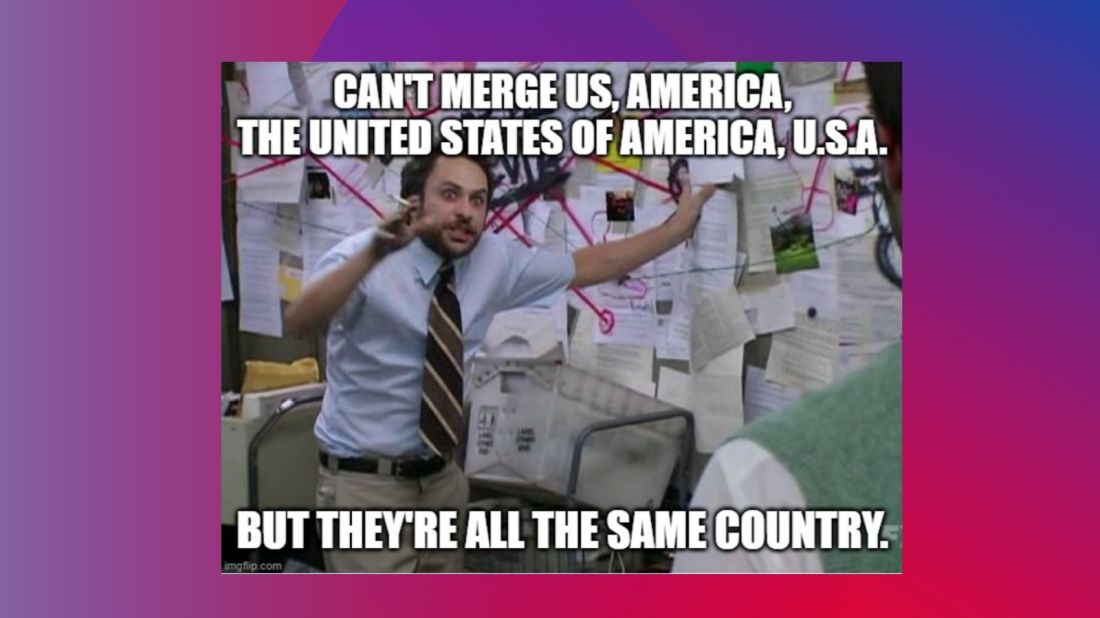
One problem with merging two datasets by country is that the same countries can have different names. Take for example, America. It can be entered into a dataset as any of the following:
- USA
- U.S.A.
- America
- United States of America
- United States
- US
- U.S.
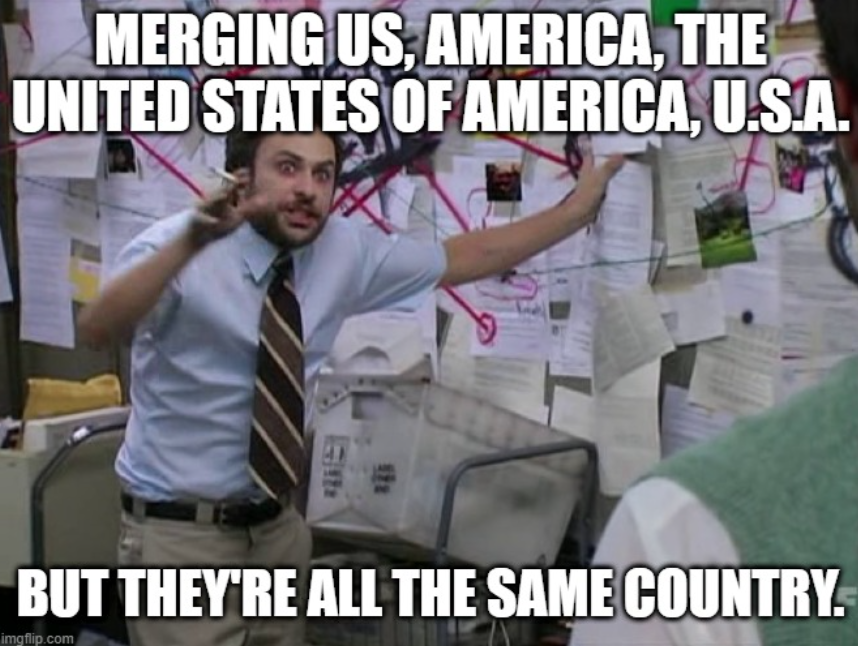
This can create a big problem because datasets will merge incorrectly if they think that US and America are different countries.
Correlates of War (COW) is a project founded by Peter Singer, and catalogues of all inter-state war since 1963. This project uses a unique code for each country.
For example, America is 2.
When merging two datasets, there is a helpful R package that can convert the various names for a country into the COW code:
install.packages("countrycode")
library(countrycode)
To read more about the countrycode package in the CRAN PDF, click here.
First create a new name for the variable I want to make; I’ll call it COWcode in the dataset.
Then use the countrycode() function. First type in the brackets the name of the original variable that contains the list of countries in the dataset. Then finally add "country.name", "cown". This turns the word name for each country into the numeric COW code.
dataset$COWcode <- countrycode(dataset$countryname, "country.name", "cown")If you want to turn into a country name, swap the "country.name" and "cown"
dataset$countryname <- countrycode(dataset$COWcode, "country.name", "cown")Now the dataset is ready to merge more easily with my other dataset on the identical country variable type!
There are many other types of codes that you can add to your dataset.
A very popular one is the ISO-2 and ISO-3 codes. For example, if you want to add flags to your graph, you will need a two digit code for each country (for example, Ireland is IE).
To see the list of all the COW codes, click here.
To check out the COW database website, click here.
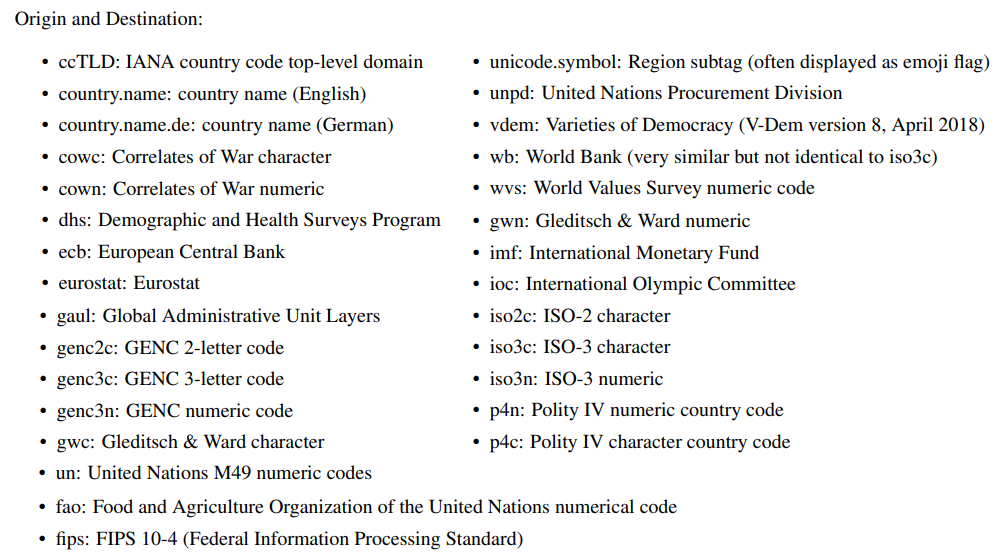
Alternative codes than the country.name and the cown options include:
• ccTLD: IANA country code top-level domain
• country.name: country name (English)
• country.name.de: country name (German)
• cowc: Correlates of War character
• cown: Correlates of War numeric
• dhs: Demographic and Health Surveys Program
• ecb: European Central Bank
• eurostat: Eurostat
• fao: Food and Agriculture Organization of the United Nations numerical code
• fips: FIPS 10-4 (Federal Information Processing Standard)
• gaul: Global Administrative Unit Layers
• genc2c: GENC 2-letter code
• genc3c: GENC 3-letter code
• genc3n: GENC numeric code
• gwc: Gleditsch & Ward character
• gwn: Gleditsch & Ward numeric
• imf: International Monetary Fund
• ioc: International Olympic Committee
• iso2c: ISO-2 character
• iso3c: ISO-3 character
• iso3n: ISO-3 numeric
• p4n: Polity IV numeric country code
• p4c: Polity IV character country code
• un: United Nations M49 numeric codes
4 codelist
• unicode.symbol: Region subtag (often displayed as emoji flag)
• unpd: United Nations Procurement Division
• vdem: Varieties of Democracy (V-Dem version 8, April 2018)
• wb: World Bank (very similar but not identical to iso3c)
• wvs: World Values Survey numeric code
# Some of my own manual COW code fixes
manual_cow_codes <- tibble::tribble(
  ~country,                 ~cow_code,
  "Palestinian Authority",   999,
  "Micronesia",              987,
  "Serbia"                   345
)


 R Functions and Packages for Political Science Analysis